

Fast delivery within 72 Hours

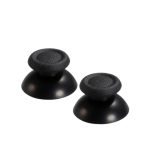
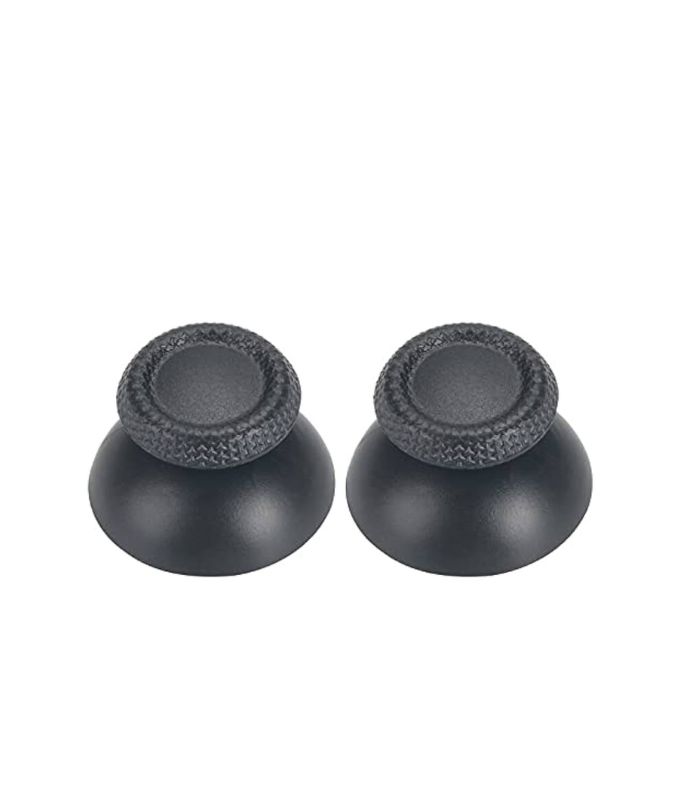
PS5 Analog & Cap For Sony Playstation 5 Controller ( 2 Pair )
Original price was: ₹1,200.00.₹1,000.00Current price is: ₹1,000.00.
Replacement analog sticks and caps for Sony PlayStation 5 controllers, designed for enhanced precision and comfort. Includes two pairs for easy replacement.
Shipping & Delivery
-
 Courier delivery
Our courier will deliver to PAN India
1-3 Days
Free
-
 ConsoleLoot Quick Delivery
Same Day Deliver in Specified City (Bengaluru, Chennai, Coimbatore, Hyderabad & Kerala)
120-minute
₹ 99
-
 Warranty 1 year
-
 Ensure Safe Shipping

Extended Warranty
Extended warranties can provide coverage for purchases with manufacturer's warranties
Description
Replace or upgrade the analog sticks and caps on your Sony PlayStation 5 controller with this high-quality replacement set. Designed for precision and durability, these analog sticks ensure smooth and responsive movement for an enhanced gaming experience. The textured caps provide a comfortable grip, reducing hand fatigue during extended play sessions. This pack includes two pairs, making it convenient for multiple replacements or customization. Easy to install and compatible with all PS5 controller models, these analog sticks and caps help restore optimal control and performance to your gaming setup.
How to Replace the Analog Sticks and Caps on a PlayStation 5 Controller
Tools Needed:
- Phillips screwdriver
- Plastic pry tool or spudger
- Tweezers (optional)
- Replacement analog sticks and caps
Step 1: Prepare Your Workspace
- Ensure your PS5 controller is powered off.
- Work on a clean, well-lit surface.
- Keep all screws and small parts in a secure place.
Step 2: Open the Controller
- Remove the black faceplate by gently prying it off with a plastic tool.
- Unscrew the four Phillips screws located underneath the faceplate.
- Carefully separate the controller shell using a pry tool. Be cautious of ribbon cables inside.
Step 3: Access the Analog Stick Module
- Locate the two analog sticks on the circuit board.
- Remove any screws securing the board (if applicable).
- Gently lift the circuit board to access the analog stick base.
Step 4: Replace the Analog Sticks and Caps
- Pull off the old analog caps by gripping and lifting them.
- If replacing the full analog stick, desolder and remove the old module (advanced users only).
- Install the new analog sticks and push the new caps firmly onto them.
Step 5: Reassemble the Controller
- Carefully place the circuit board back into position.
- Reattach any screws and ribbon cables.
- Close the controller shell and secure it with screws.
- Snap the faceplate back into place.
Step 6: Test the Controller
- Power on the controller and connect it to your PS5.
- Check stick movement and responsiveness in the settings or a game.
- If the sticks feel off, recalibrate them in the PlayStation settings.
By following these steps, you can successfully replace the analog sticks and caps, restoring your controller’s performance.
Customer Reviews
You may also like
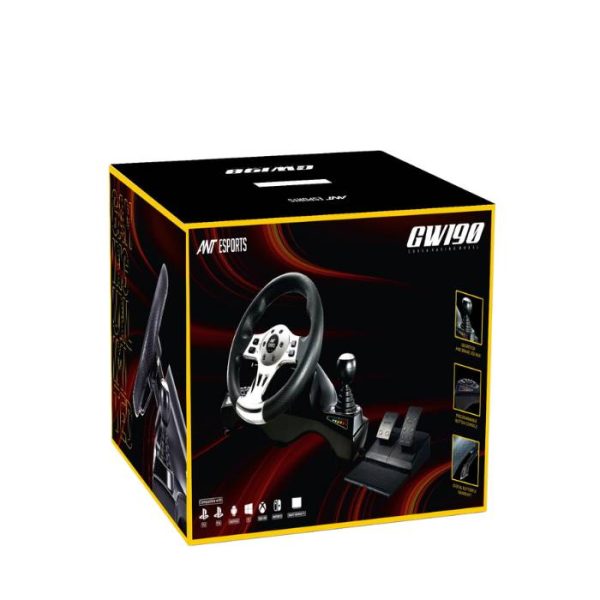
Ant Esports GW190 Racing Wheel and Pedal Set
Original price was: ₹14,500.00.₹10,200.00Current price is: ₹10,200.00.
Call of Duty: Black Ops 6 – PS4 (Disc Edition)
Original price was: ₹5,999.00.₹4,999.00Current price is: ₹4,999.00.
Call of Duty: Black Ops 6 – PS5 (Disc Edition)
Original price was: ₹6,999.00.₹5,599.00Current price is: ₹5,599.00.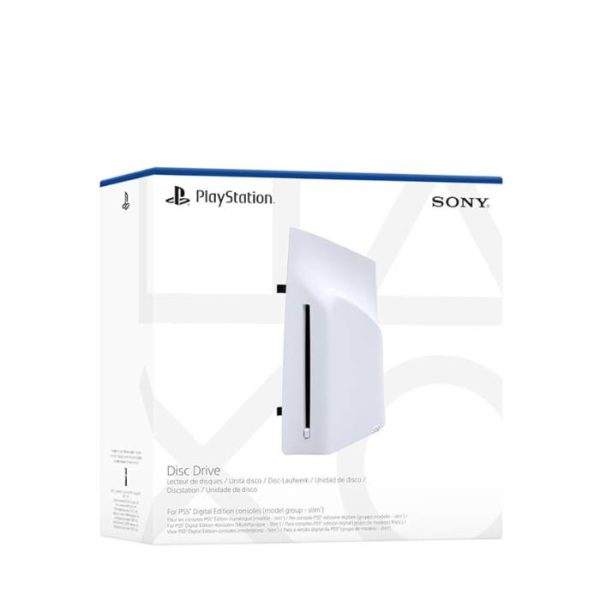
Disc Drive For Ps5 Digital Edition Console (Slim)
Original price was: ₹24,999.00.₹18,599.00Current price is: ₹18,599.00.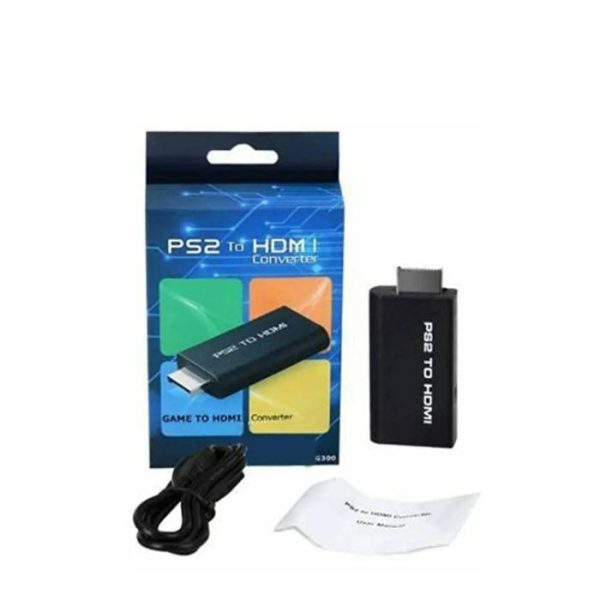
DKD G300 PS2 To HDMI Converter
Original price was: ₹1,900.00.₹799.00Current price is: ₹799.00.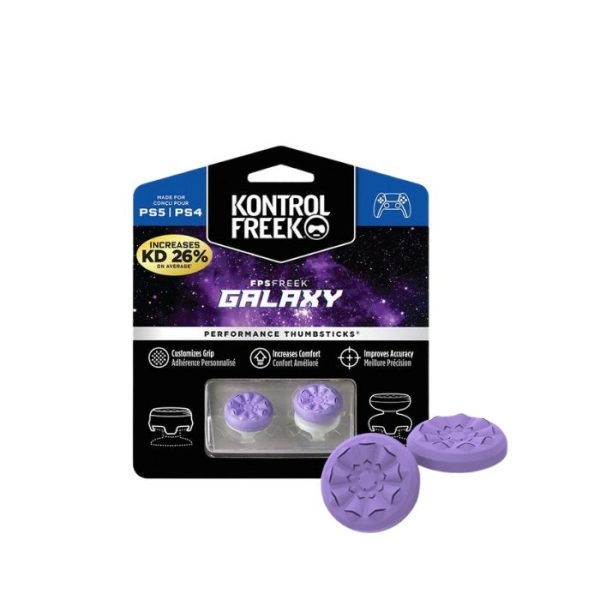
FPS Freek Galaxy for PS4 & PS5- Performance Thumbsticks
Original price was: ₹999.00.₹899.00Current price is: ₹899.00.















Reviews
Clear filtersThere are no reviews yet.