

Fast delivery within 72 Hours

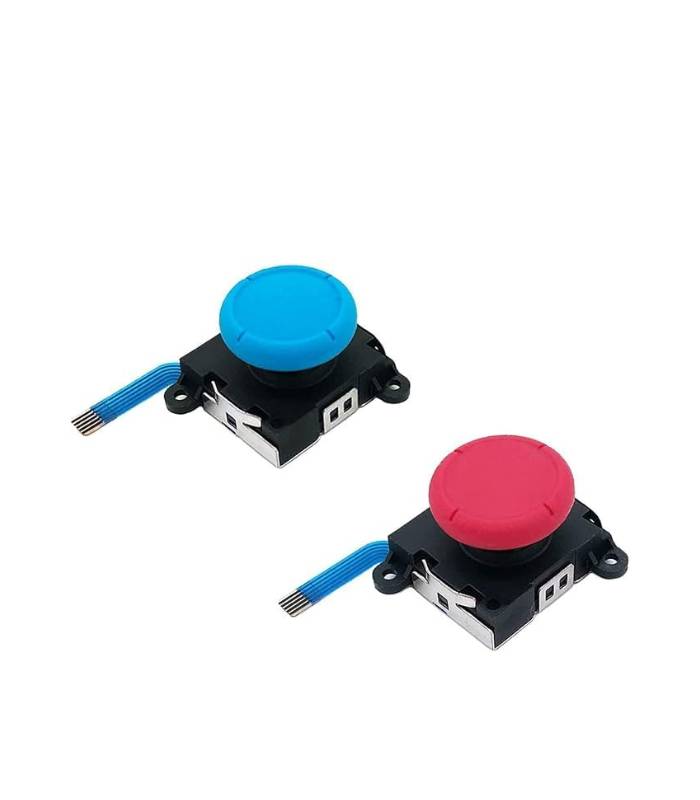
Nintendo Switch Joy-Con Analog Stick Repair Kit – PSX STORE 3D Joystick (2 Pack, Blue and Red)
Original price was: ₹1,499.00.₹899.00Current price is: ₹899.00.
PSX STORE 3D Analog Stick Repair Kit is a high-quality replacement solution for worn-out or drifting joysticks in Nintendo Switch Joy-Con controllers and Switch Lite consoles. This kit includes 2 premium joystick modules (Blue and Red), along with 4 precision “Y” screws, making it ideal for repairing both the left and right Joy-Cons.
Shipping & Delivery
-
 Courier delivery
Our courier will deliver to PAN India
1-3 Days
Free
-
 ConsoleLoot Quick Delivery
Same Day Deliver in Specified City (Bengaluru, Chennai, Coimbatore, Hyderabad & Kerala)
120-minute
₹ 99
-
 Warranty 1 year
-
 Ensure Safe Shipping

Extended Warranty
Extended warranties can provide coverage for purchases with manufacturer's warranties
Description
The PSX STORE 3D Analog Stick Repair Kit is a high-quality replacement solution for worn-out or drifting joysticks in Nintendo Switch Joy-Con controllers and Switch Lite consoles. This kit includes 2 premium joystick modules (Blue and Red), along with 4 precision “Y” screws, making it ideal for repairing both the left and right Joy-Cons.
Designed to match original hardware specifications, these analog sticks restore precise control and smooth movement to your gameplay. Whether you’re dealing with joystick drift or unresponsive input, this replacement kit provides a cost-effective fix without the need for a full controller replacement.
Compatible with Nintendo Switch Joy-Con controllers and Nintendo Switch Lite. Tools are not included in this kit.
How to Use
-
Power Off Your Console:
Turn off your Nintendo Switch and detach the Joy-Con controllers. -
Open the Joy-Con Shell:
Use a Y00 tri-wing screwdriver to carefully remove the screws from the back of the Joy-Con. -
Disconnect the Battery:
Gently disconnect the battery connector for safety. -
Remove the Old Joystick:
Locate the existing analog stick, disconnect the ribbon cable, and unscrew the module. -
Install the New Joystick:
Place the new 3D joystick in the same position, secure it with the screws provided, and reconnect the ribbon cable. -
Reassemble the Controller:
Reconnect the battery, close the shell, and screw the back panel securely in place. -
Test the Controller:
Turn on your console and test joystick movement in system settings or a game to ensure proper functionality.
Customer Reviews
You may also like
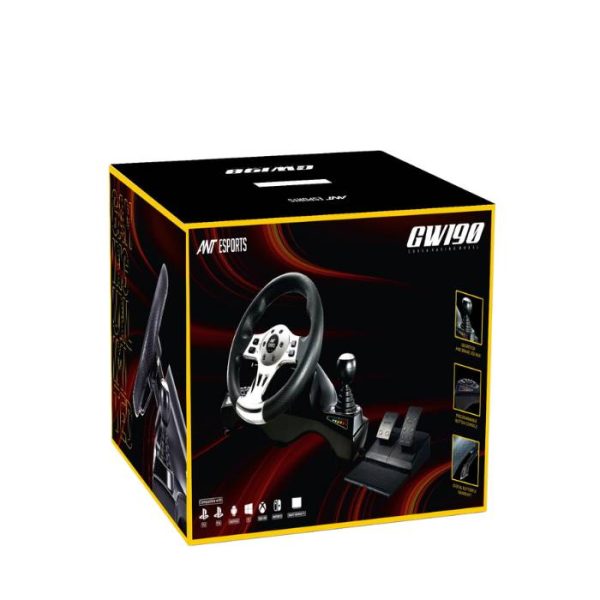
Ant Esports GW190 Racing Wheel and Pedal Set
Original price was: ₹14,500.00.₹10,200.00Current price is: ₹10,200.00.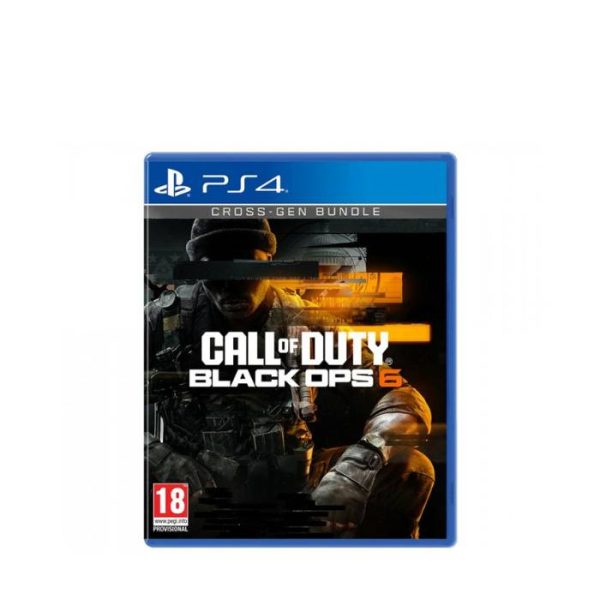
Call of Duty: Black Ops 6 – PS4 (Disc Edition)
Original price was: ₹5,999.00.₹4,999.00Current price is: ₹4,999.00.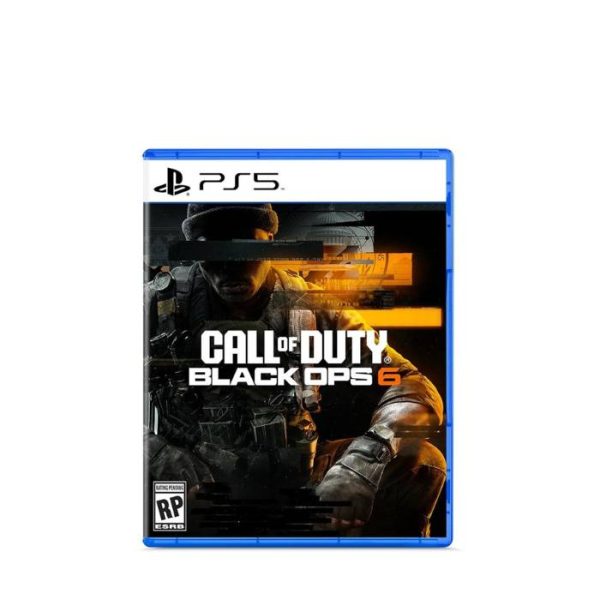
Call of Duty: Black Ops 6 – PS5 (Disc Edition)
Original price was: ₹6,999.00.₹5,599.00Current price is: ₹5,599.00.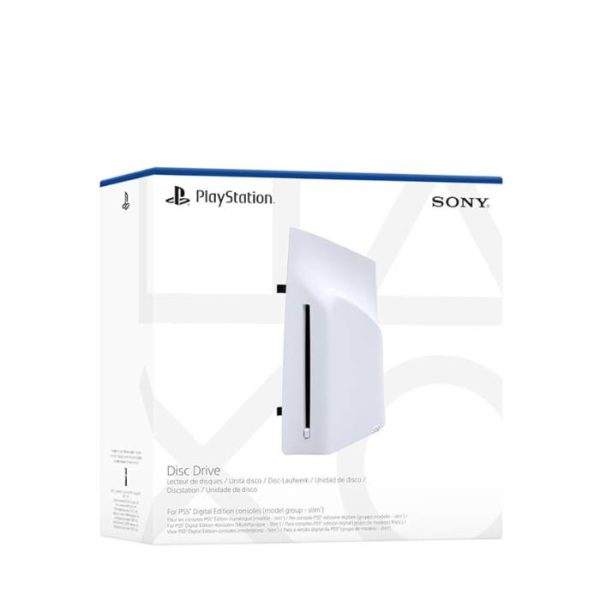
Disc Drive For Ps5 Digital Edition Console (Slim)
Original price was: ₹24,999.00.₹18,599.00Current price is: ₹18,599.00.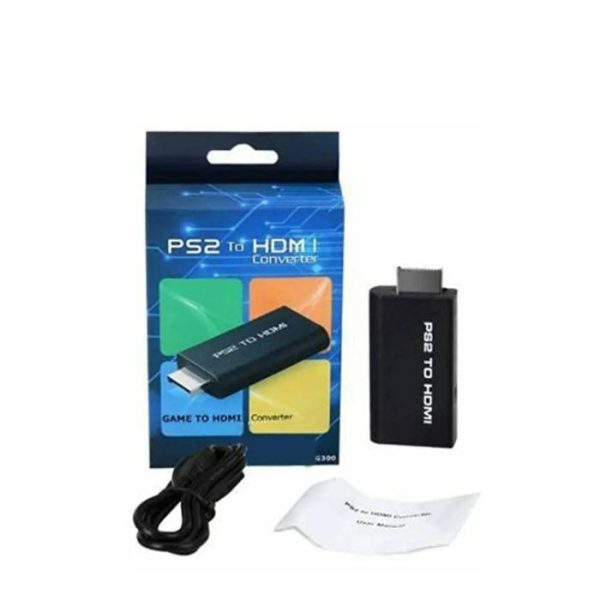
DKD G300 PS2 To HDMI Converter
Original price was: ₹1,900.00.₹799.00Current price is: ₹799.00.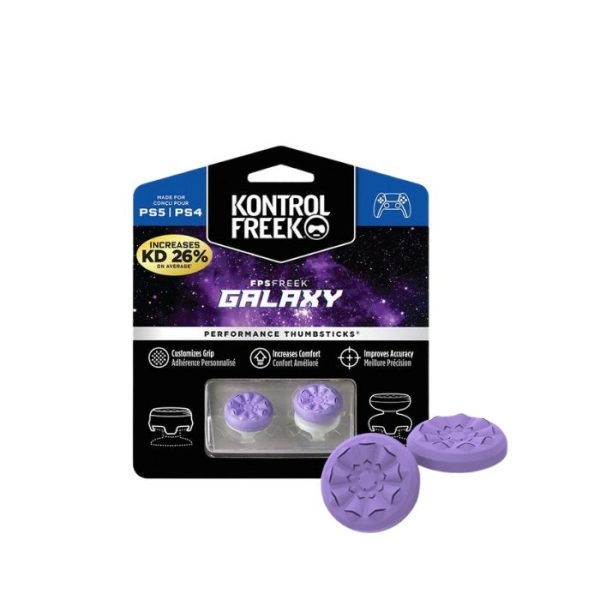
FPS Freek Galaxy for PS4 & PS5- Performance Thumbsticks
Original price was: ₹999.00.₹899.00Current price is: ₹899.00.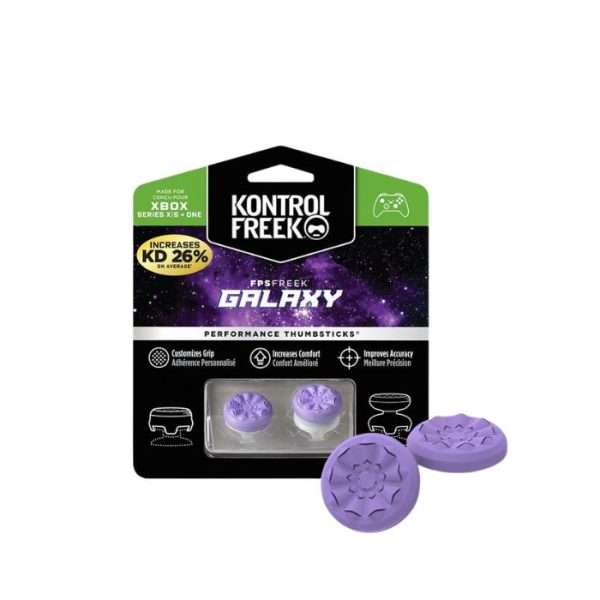













Reviews
Clear filtersThere are no reviews yet.