

Fast delivery within 72 Hours

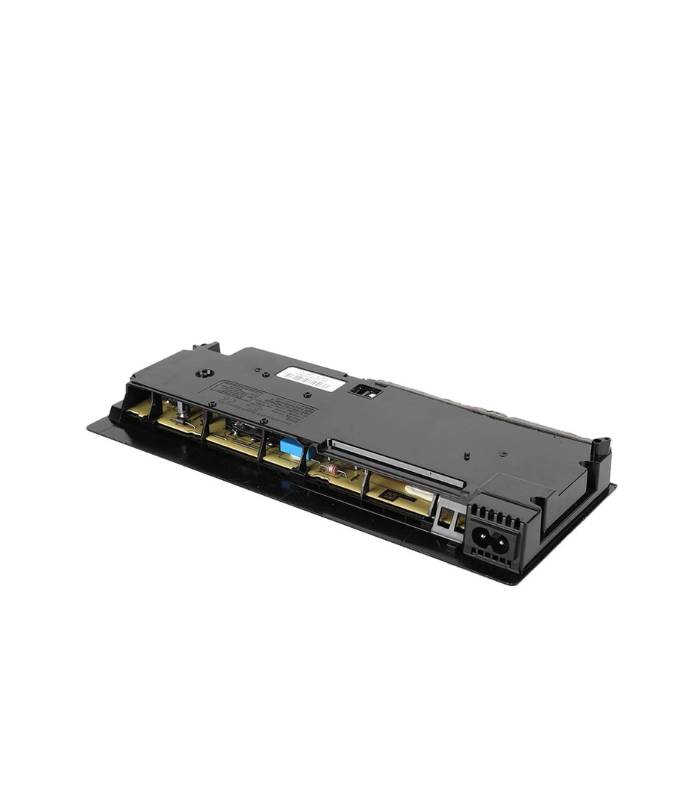
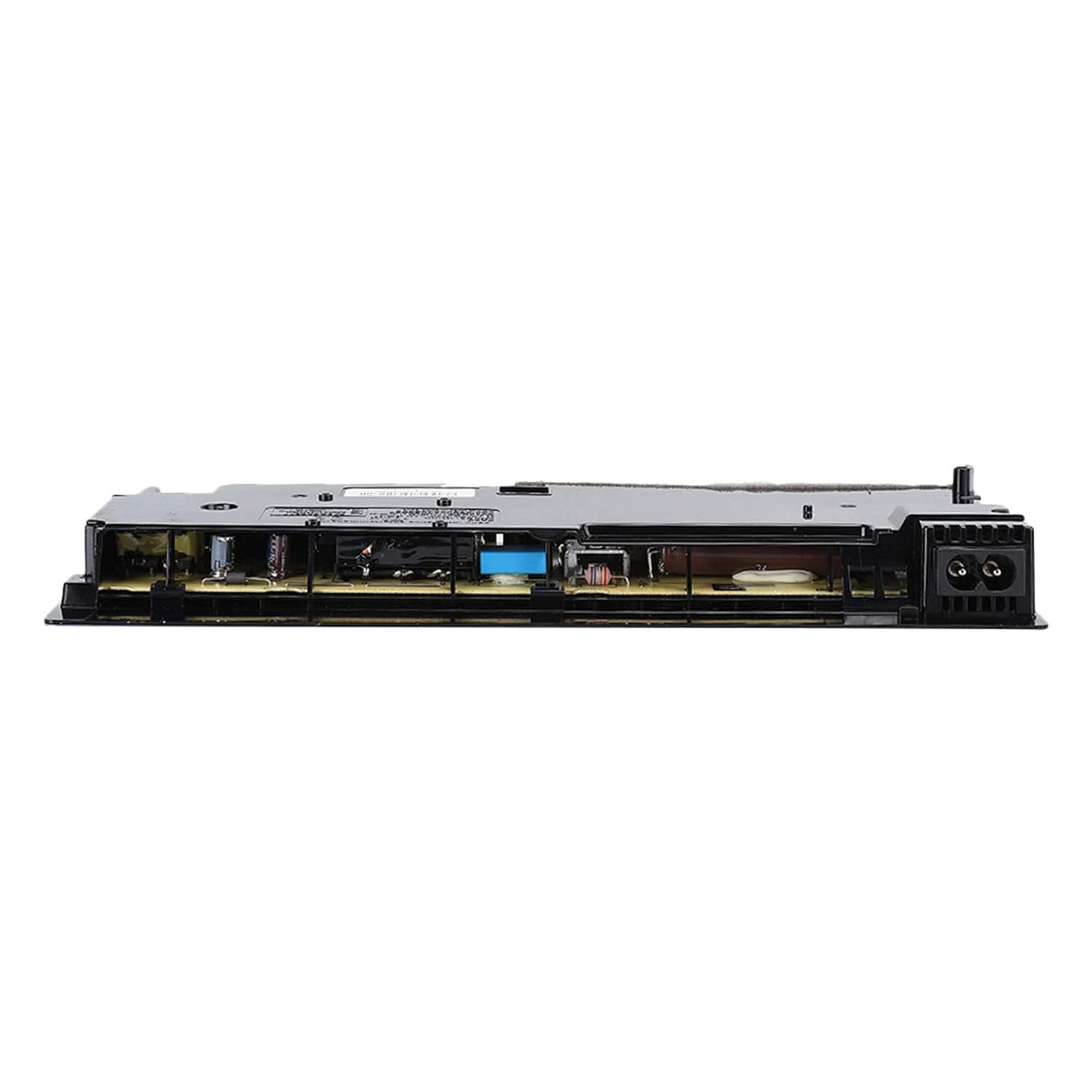
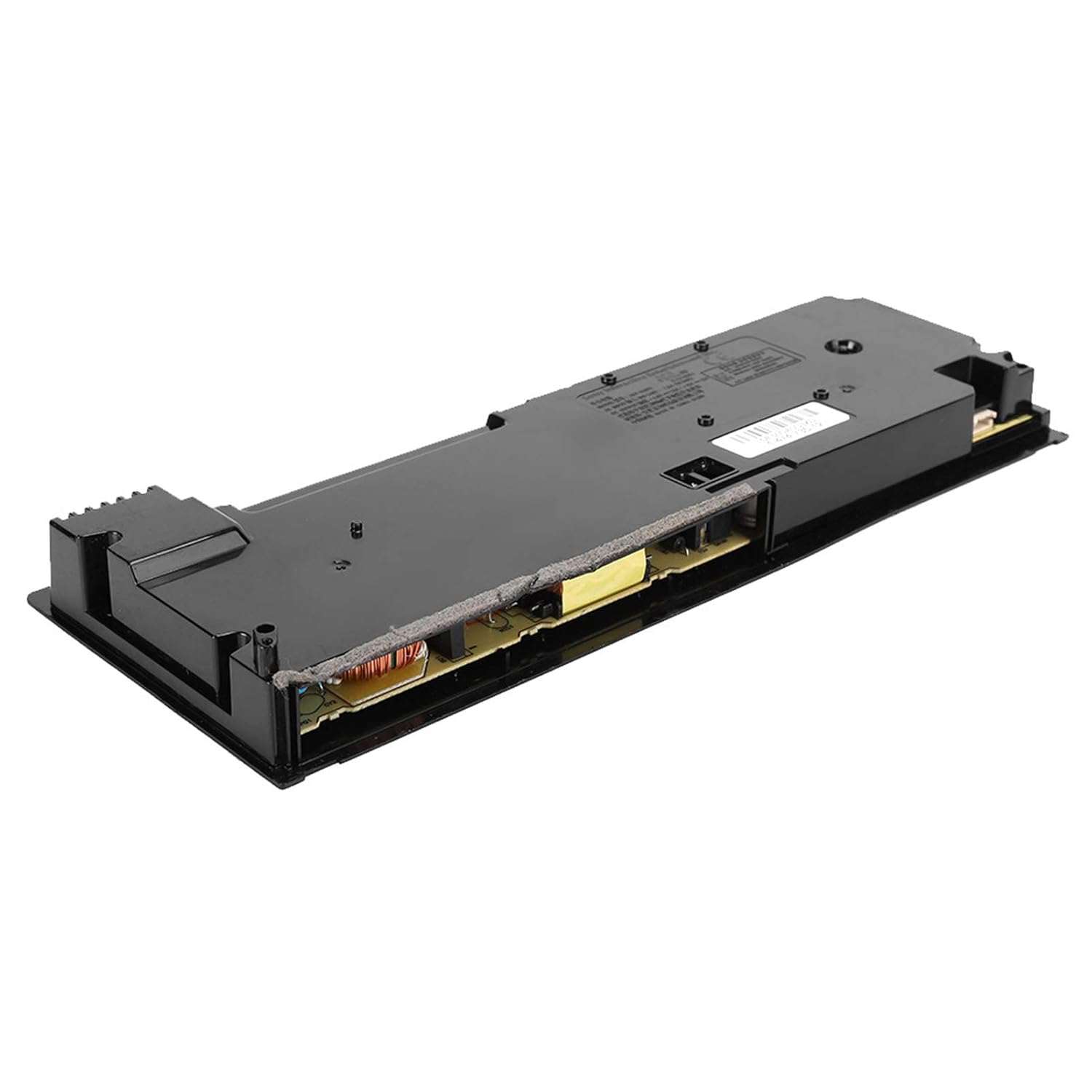
PS4 Slim 2200 (ADP-160FR) Console Power Supply Adapter
Original price was: ₹20,999.00.₹11,999.00Current price is: ₹11,999.00.
ADP-160FR is an internal power supply adapter designed for the PS4 Slim 2200 series (CUH-22XX models). It efficiently converts AC power into DC power required by the PlayStation 4 Slim’s internal components, ensuring stable performance and efficient power consumption.
Shipping & Delivery
-
 Courier delivery
Our courier will deliver to PAN India
1-3 Days
Free
-
 ConsoleLoot Quick Delivery
Same Day Deliver in Specified City (Bengaluru, Chennai, Coimbatore, Hyderabad & Kerala)
120-minute
₹ 99
-
 Warranty 1 year
-
 Ensure Safe Shipping

Extended Warranty
Extended warranties can provide coverage for purchases with manufacturer's warranties
Description
PS4 Slim 2200 (ADP-160FR) Console Power Supply Adapter Description
The ADP-160FR is an internal power supply adapter designed for the PS4 Slim 2200 series (CUH-22XX models). It efficiently converts AC power into DC power required by the PlayStation 4 Slim’s internal components, ensuring stable performance and efficient power consumption.
Technical Specifications:
-
Model Number: ADP-160FR
-
Console Compatibility: PS4 Slim (CUH-22XX series)
-
Input Voltage: 100-240V AC, 50/60Hz (Supports universal voltage)
-
Output Voltage: +12V DC
-
Power Output: 160W
-
Connector Type: Proprietary PS4 Slim power supply connector
-
Form Factor: Internal PSU unit
Key Features:
✅ Compact & Lightweight: Designed specifically for the PS4 Slim, making it smaller and more power-efficient.
✅ Energy-Efficient: Consumes less power compared to earlier PS4 models.
✅ Improved Heat Management: Generates minimal heat, reducing fan noise and increasing longevity.
✅ Universal Voltage Support: Works worldwide without needing a voltage converter.
✅ Stable Power Delivery: Ensures smooth gaming performance with consistent power output.
Common Issues & Troubleshooting:
1️⃣ PS4 Slim Won’t Turn On
✔ Check power cable, power outlet, and PSU fuse.
2️⃣ Random Shutdowns or Power Loss
✔ Ensure proper ventilation and check for overheating issues.
3️⃣ Burning Smell or Overheating PSU
✔ If the PSU is overheating, producing a burning smell, or failing to supply power, it may need replacement.
Replacement & Compatibility:
-
If the ADP-160FR PSU is faulty, replace it with an identical or compatible ADP-160CR power supply.
How to Replace the PS4 Slim 2200 (ADP-160FR) Power Supply Adapter
If your PS4 Slim 2200 (CUH-22XX series) is not turning on, shutting down unexpectedly, or experiencing power issues, you may need to replace the ADP-160FR power supply unit (PSU). Follow this step-by-step guide to safely replace it.
Required Tools & Parts:
✅ Replacement PSU: ADP-160FR (or compatible ADP-160CR)
✅ Torx T8 / T9 Security Screwdriver
✅ Phillips #1 Screwdriver
✅ Plastic Pry Tool or Spudger (for opening the case)
Step-by-Step Replacement Guide
Step 1: Power Off & Unplug the Console
-
Completely turn off the PS4 Slim.
-
Unplug all cables, including the power cord, HDMI, and USB controllers.
Step 2: Remove the Bottom Cover
-
Flip the PS4 Slim upside down.
-
Use a plastic pry tool to carefully detach the bottom cover.
-
Set the cover aside.
Step 3: Unscrew and Remove the Power Supply Unit (PSU)
-
Locate the ADP-160FR power supply unit (a black rectangular box near the back).
-
Use a Torx T8/T9 screwdriver to remove the screws securing the PSU.
-
Gently lift the PSU slightly—it is still connected to the motherboard by a power cable.
Step 4: Disconnect the Power Supply Cable
-
Locate the main power connector that connects the PSU to the motherboard.
-
Carefully unplug the connector by pulling it straight out—avoid using excessive force.
-
Lift and fully remove the ADP-160FR PSU from the console.
Step 5: Install the New Power Supply
-
Take the replacement ADP-160FR PSU and align it correctly in the PS4 Slim.
-
Connect the power cable securely into the new PSU.
-
Position the PSU back in place and tighten the screws.
Step 6: Reassemble the Console
-
Snap the bottom cover back onto the PS4 Slim.
-
Reconnect all cables (power, HDMI, controllers, etc.).
-
Power on the PS4 Slim and test if it works properly.
✔ Final Checks
✅ PS4 Turns On Successfully? 🎮 You’re good to go!
❌ Still Not Working? Check if the power cable or replacement PSU is faulty.
Customer Reviews
You may also like
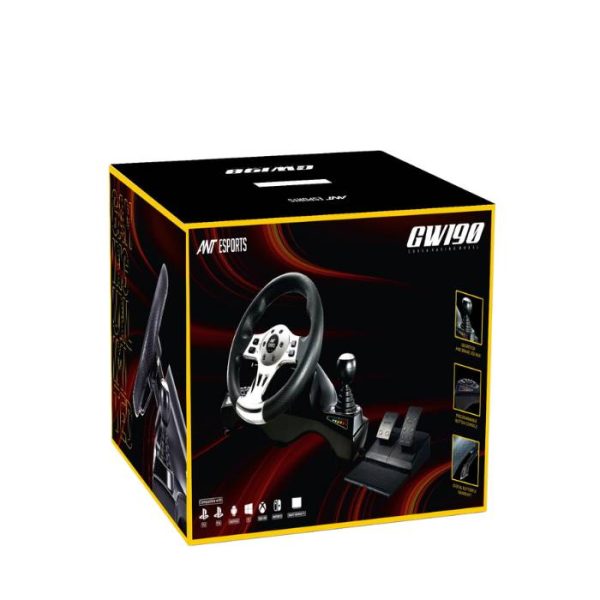
Ant Esports GW190 Racing Wheel and Pedal Set
Original price was: ₹14,500.00.₹10,200.00Current price is: ₹10,200.00.
Call of Duty: Black Ops 6 – PS4 (Disc Edition)
Original price was: ₹5,999.00.₹4,999.00Current price is: ₹4,999.00.
Call of Duty: Black Ops 6 – PS5 (Disc Edition)
Original price was: ₹6,999.00.₹5,599.00Current price is: ₹5,599.00.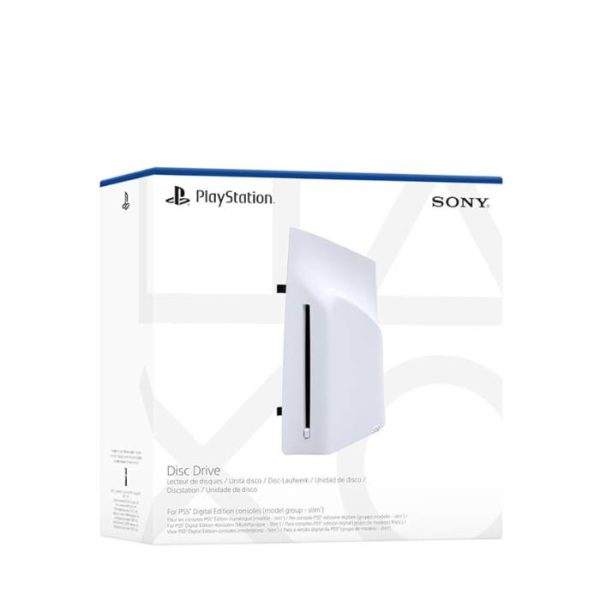
Disc Drive For Ps5 Digital Edition Console (Slim)
Original price was: ₹24,999.00.₹18,599.00Current price is: ₹18,599.00.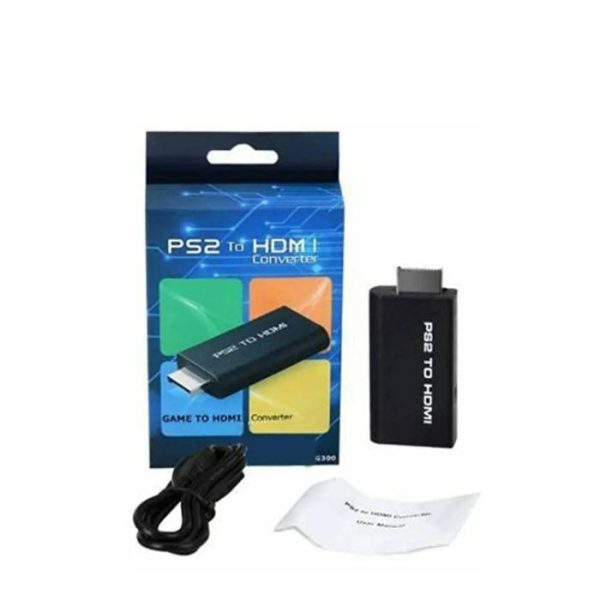
DKD G300 PS2 To HDMI Converter
Original price was: ₹1,900.00.₹799.00Current price is: ₹799.00.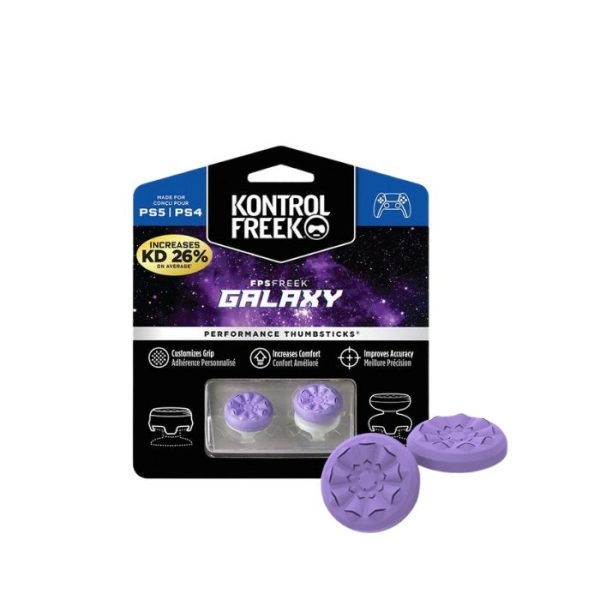
FPS Freek Galaxy for PS4 & PS5- Performance Thumbsticks
Original price was: ₹999.00.₹899.00Current price is: ₹899.00.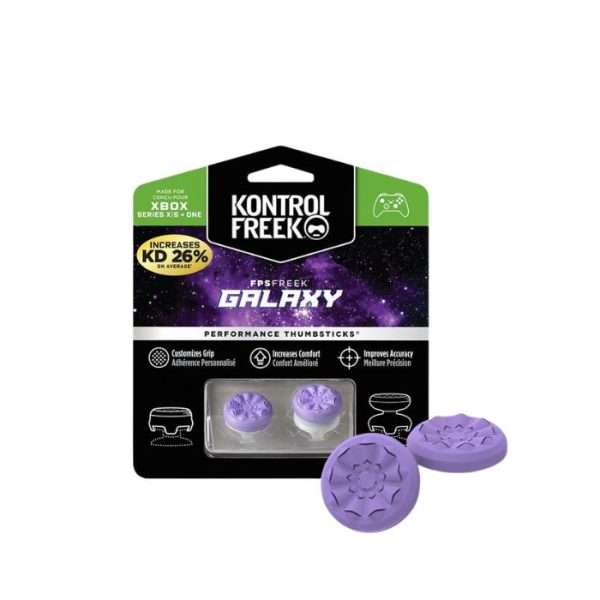















Reviews
Clear filtersThere are no reviews yet.